Chart types
The 21 ways the chart can draw a symbol — candles, bars, lines, areas, profiles, order flow, Renko and Range bars — and each one's settings.
A chart type decides how each candle's open, high, low, close and volume are drawn. Candles suit most people; the other twenty show the same bars in a way that makes one thing easier to see — the trend, the volume at each price, or the moves without the time in between.
Where it is#
The third button of the strip, after the timeframes, shows a small drawing of the type in use (its tip reads Chart type · Candles). It opens the Chart type picker: two rows of Common types — Candles, Hollow, Heikin Ashi, Bars, Line, Area, Baseline, Step line — a row of six smaller More types — HLC bars, High-low, Columns, Markers, HLC area, Volume — and three captioned sets: Profiles (TPO, Vol. profile), Price-only (Renko, Range) and Order flow (Footprint, Heatmap, Delta). Every tile is drawn in your own candle colours, and the type on the chart is ringed in gold. One click picks and closes the picker.
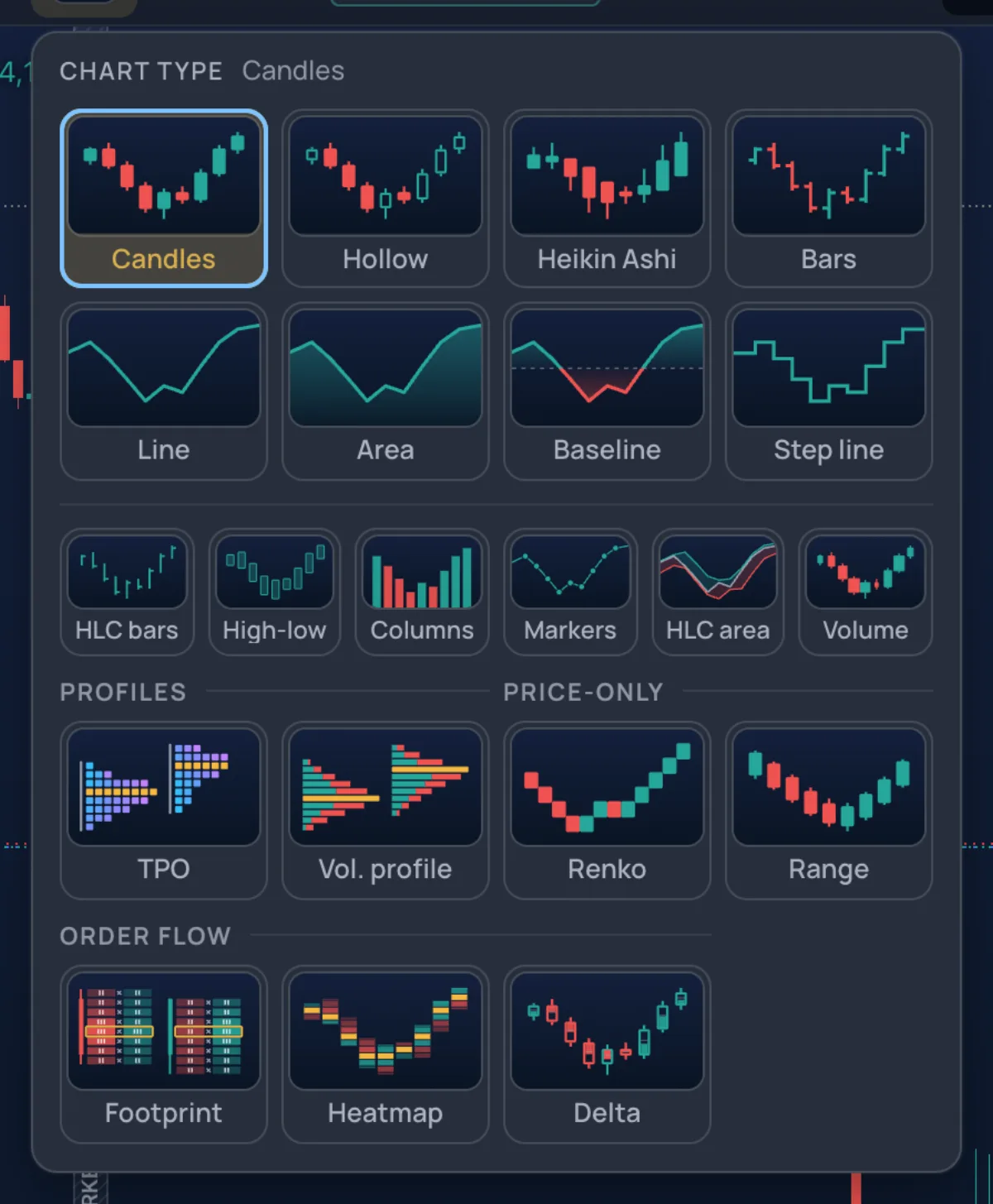
Other doors: G then C on the Pro screen; the Lens (Ctrl+K), where typing renko or heikin lists the type under Chart types; and Chart settings › Candles, which holds the same picker with the type's own settings under it. While the chart is still loading, the picker is greyed. The type is saved with the layout.
How to use it#
- Click the type button.
- Click a tile. The chart redraws at once.
- For a type with settings, open Chart settings (the button in the strip, or G then P) and go to Candles: the settings sit under the type grid.
- Reset section defaults there puts the chart back on candles.
Candles#
Candles#
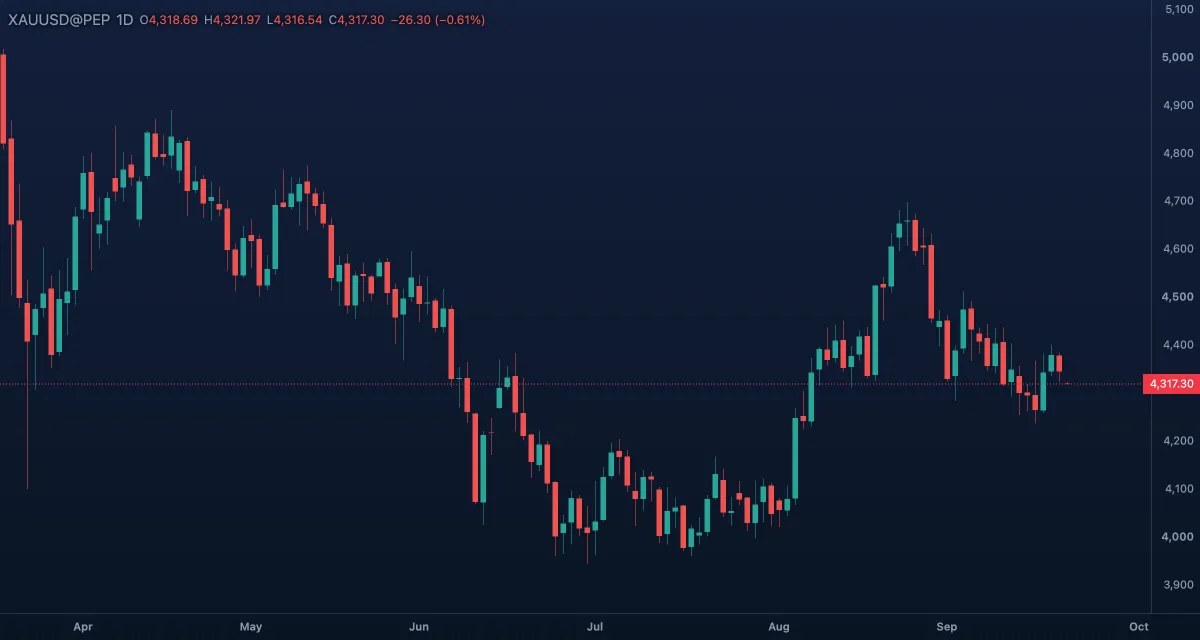
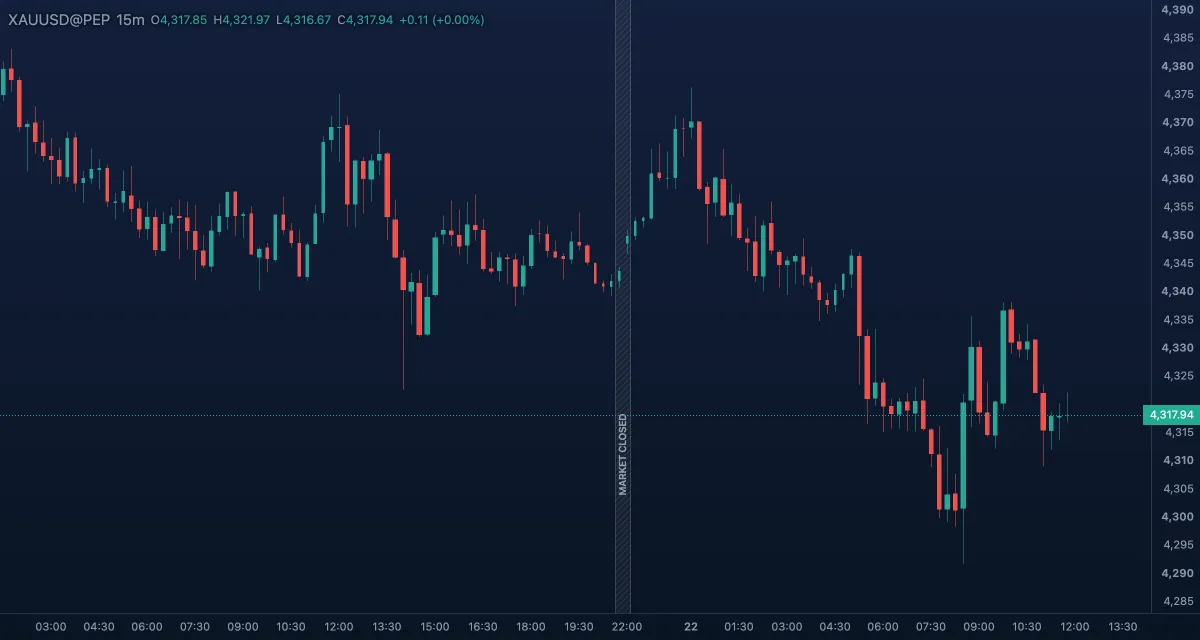
The body runs from the open to the close, the wicks to the high and the low. Up and down colours come from the candle set in Look. The default, and the type the rest of this guide assumes.
Hollow candles#
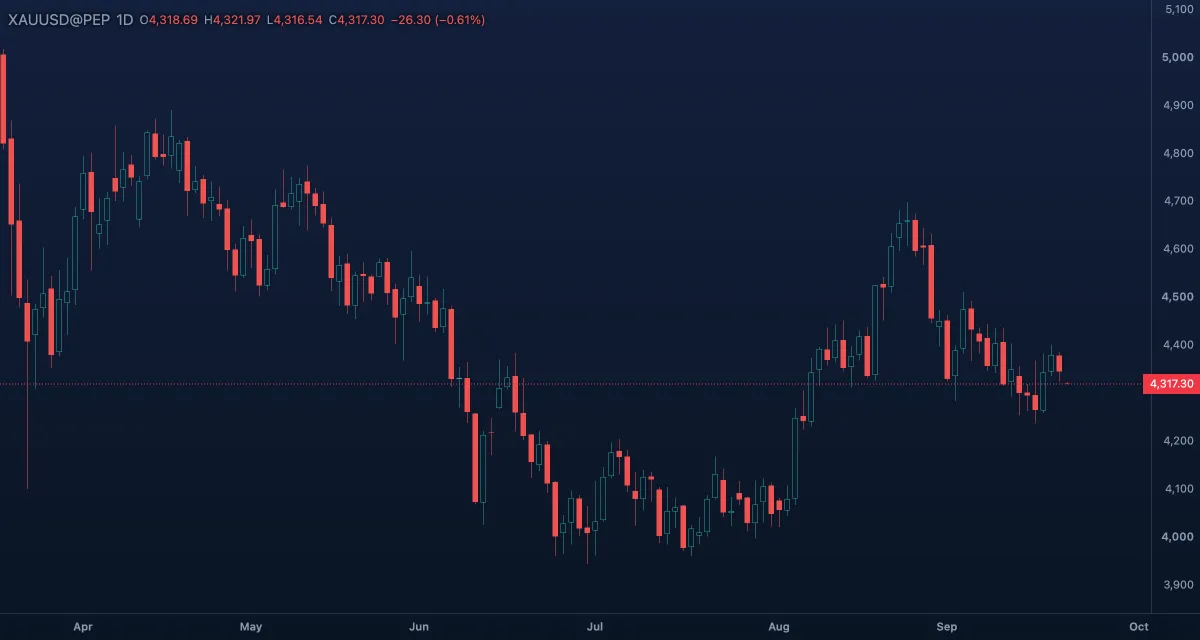
An up candle (close above the open) is an outline only; a down candle is filled. The same information as candles, with the direction readable from further away.
Heikin Ashi#
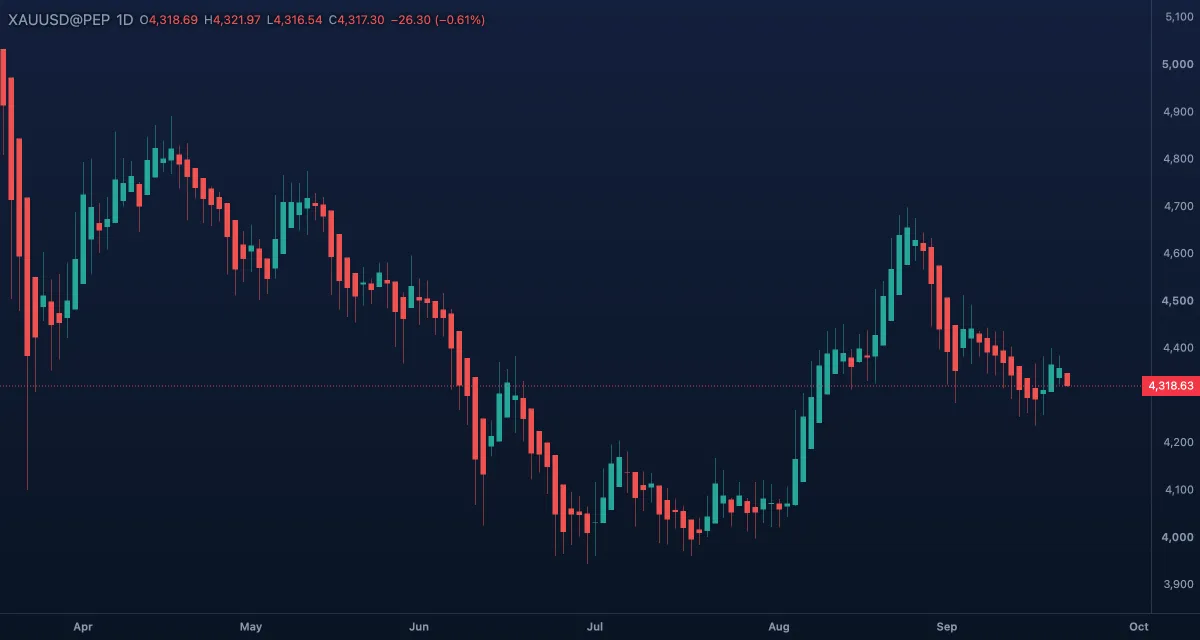
Averaged candles: each one opens at the middle of the previous Heikin Ashi body and closes at the average of the bar's open, high, low and close. Small counter-moves disappear, so a trend shows as a run of one colour. Its candles are not real prices — read entries and stops from candles or the price scale.
Volume candles#
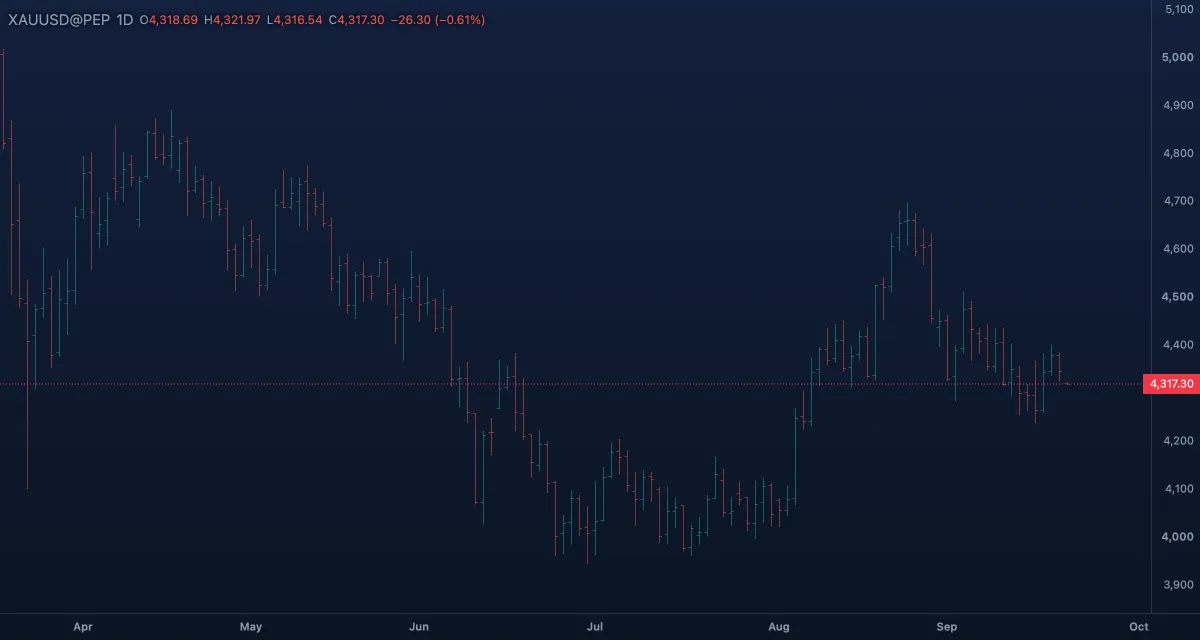
Candles whose body width shows the bar's volume, measured against the busiest bars on screen: a wide body traded a lot, a narrow one little. A bar without volume draws as a plain candle.
Bars#
Bars#
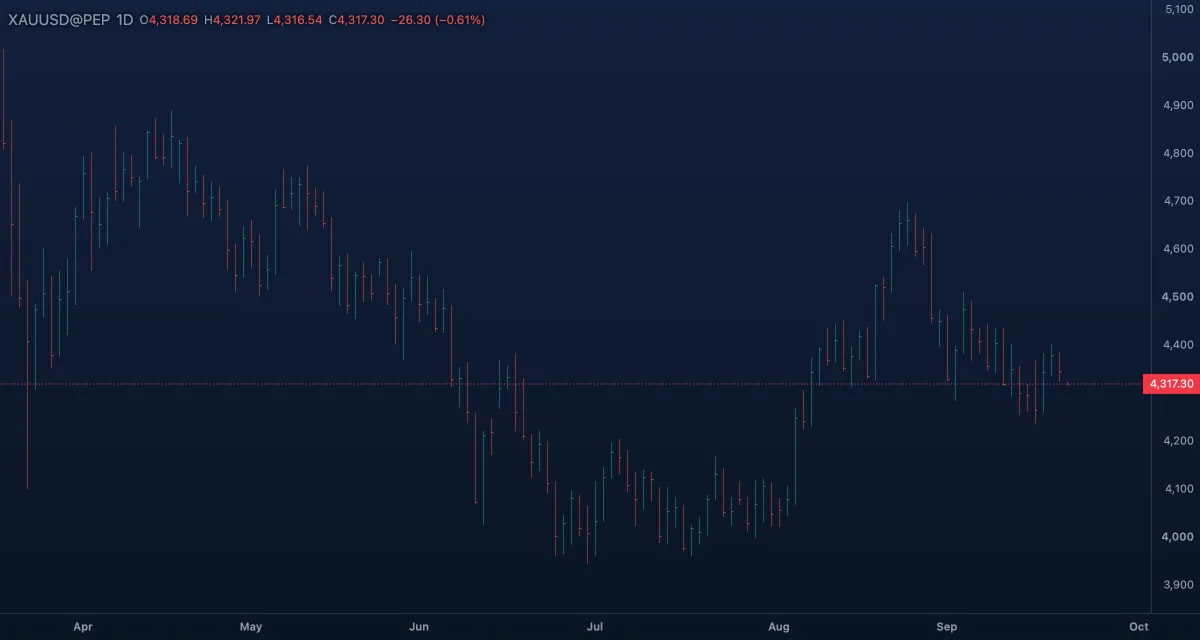
The classic OHLC bar: a stem from the low to the high, a tick on the left for the open and one on the right for the close.
HLC bars#
The same bar without the open tick: high, low and close only.
High-low#
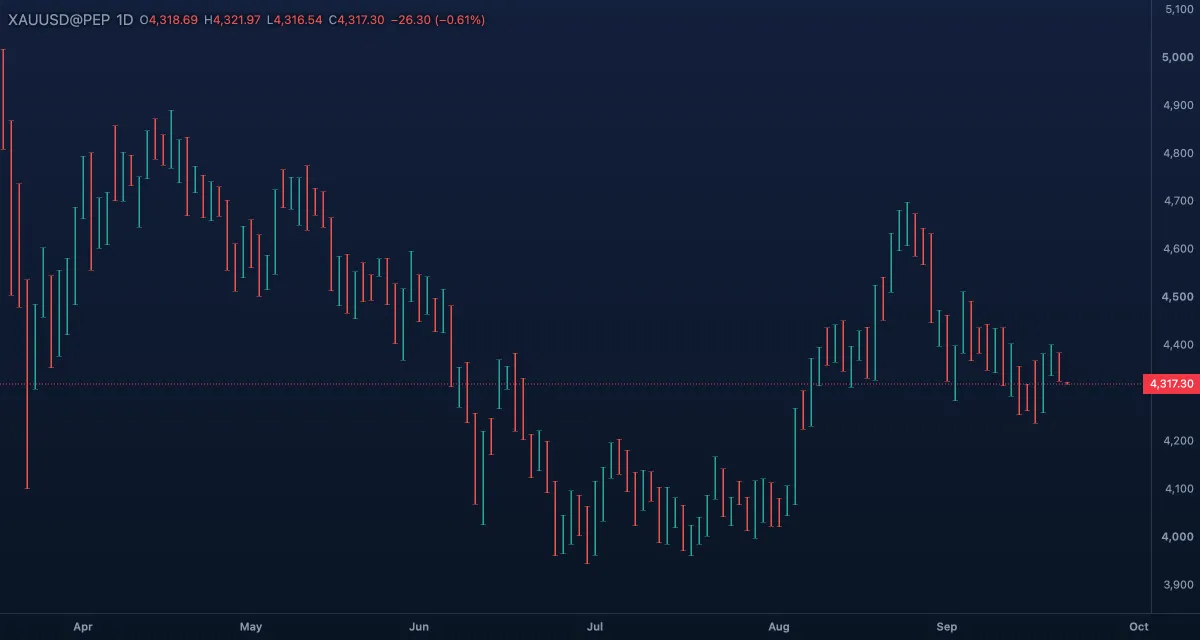
A vertical bar from the low to the high with a small cap at both ends: the range of every bar, nothing else.
Columns#
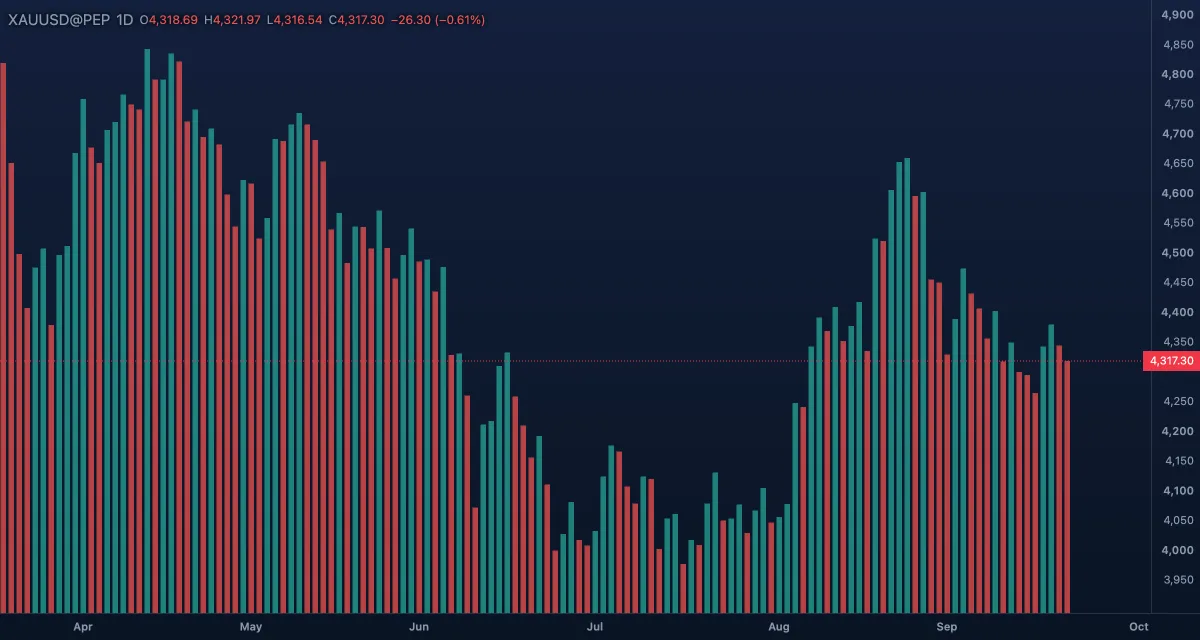
A histogram from the bottom of the pane up to each close, coloured by whether the bar closed above or below the previous close.
Lines#
Line#
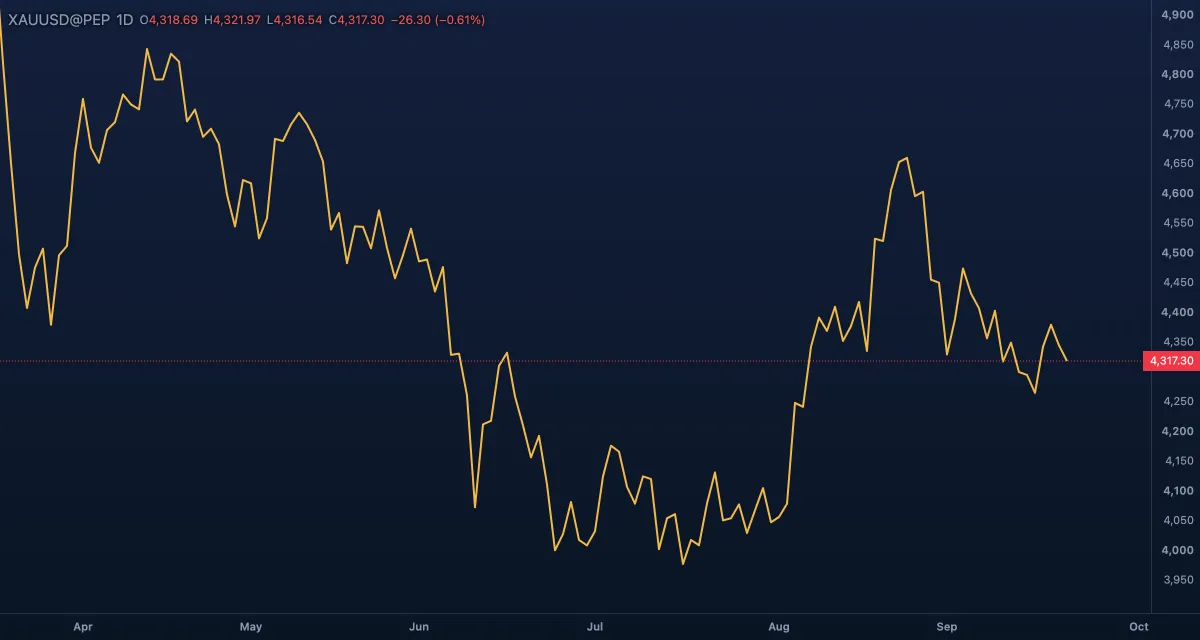
The closes joined by one line. Useful on a long history, or when you compare shapes rather than single bars.
Line with markers#
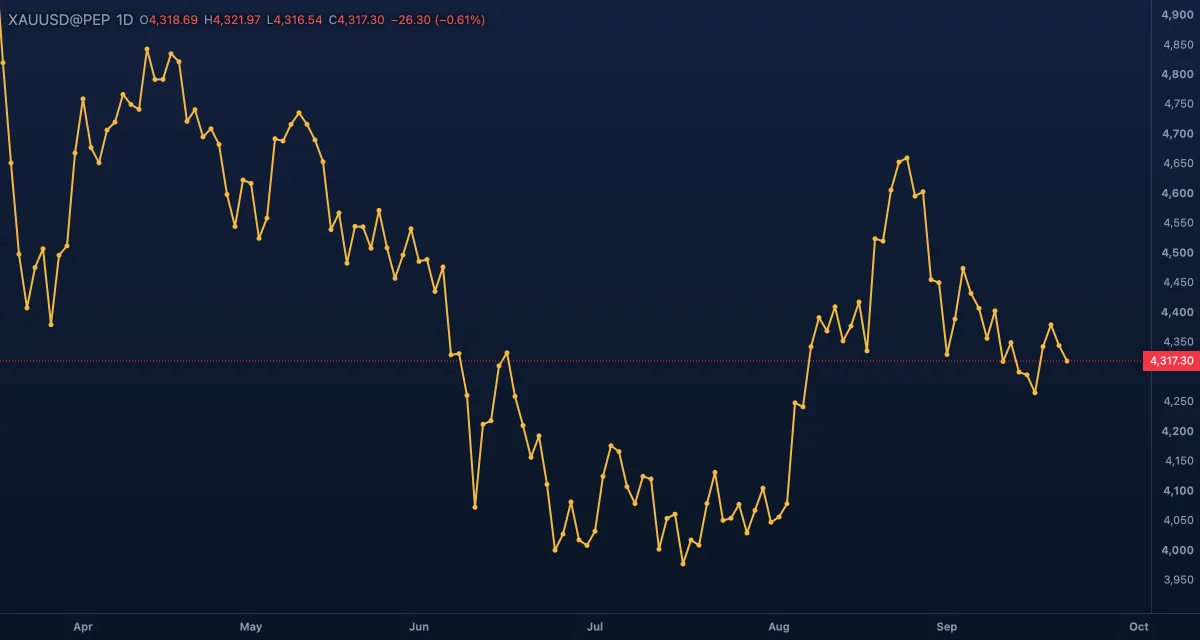
The line with a dot on every close. The dots appear once the bars are at least 4 pixels apart.
Step line#
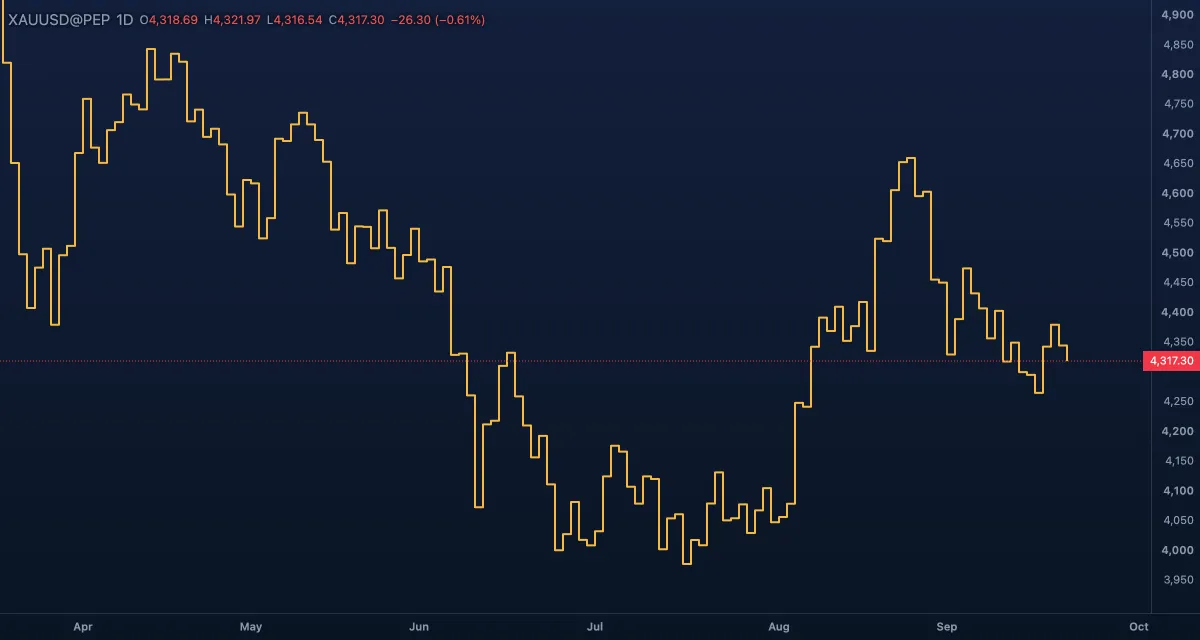
Each close is held flat until the next bar, where the line steps to the new value.
Areas#
Area#
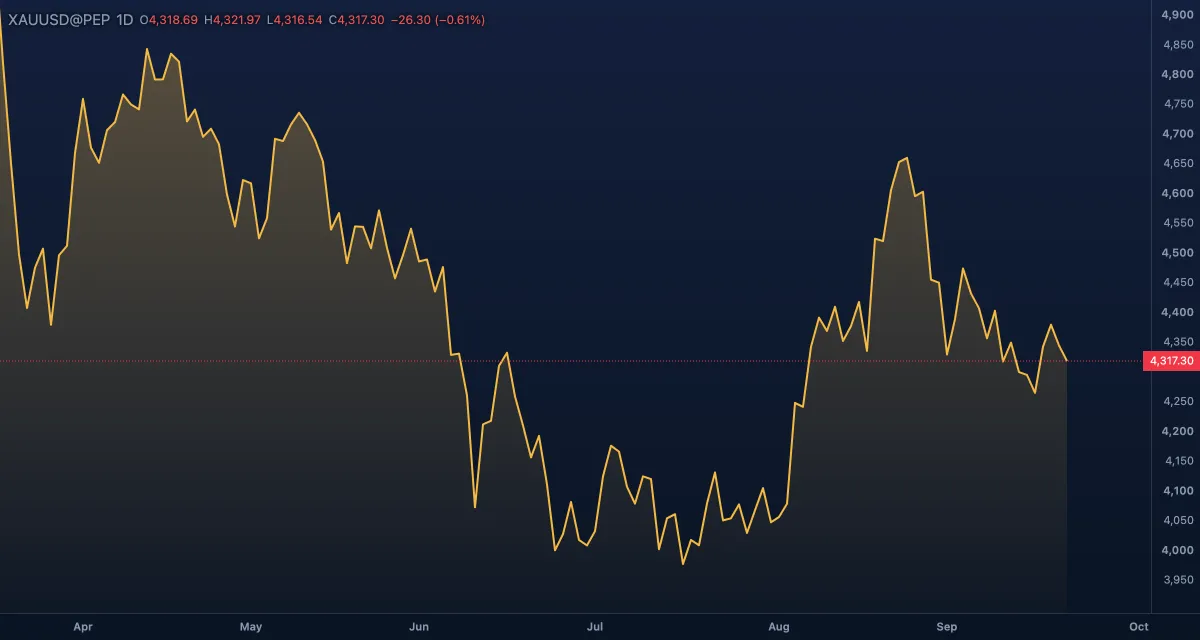
The line with the space under it filled.
Baseline#
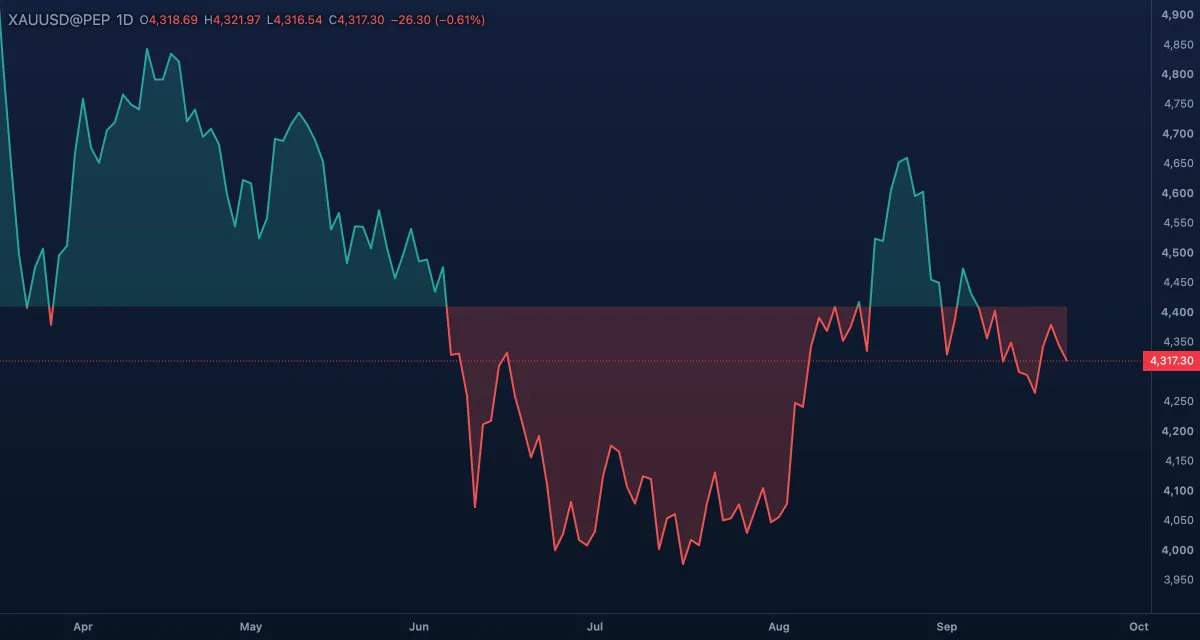
Two-tone: the part of the line above the baseline is drawn in the up colours, the part below in the down colours. The baseline sits at the middle of the visible price range and moves with it.
HLC area#
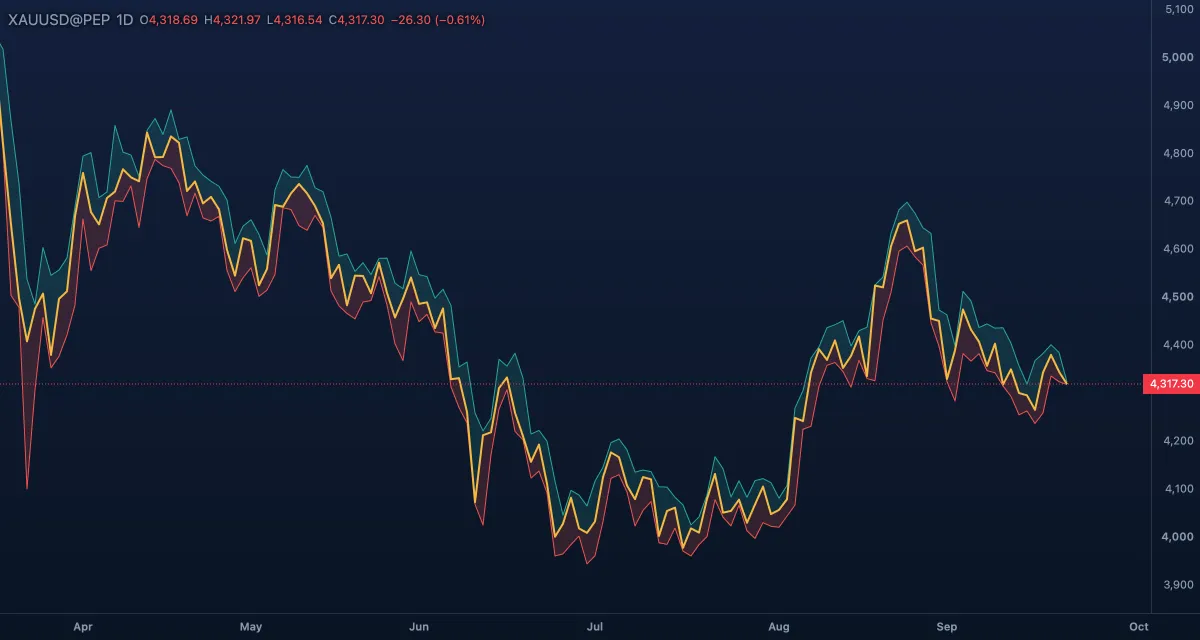
Three lines — high, low and close — with the band between the close and the high in the up fill and the band between the close and the low in the down fill.
Profiles#
Both profiles build one profile per trading day (per week on a daily chart) from finer bars: 1m, 5m and 15m charts use their own candles, 1h and 4h charts load 15-minute bars, and a daily chart 4-hour bars. The rows are sized from the recent sessions' ranges.
TPO profile#
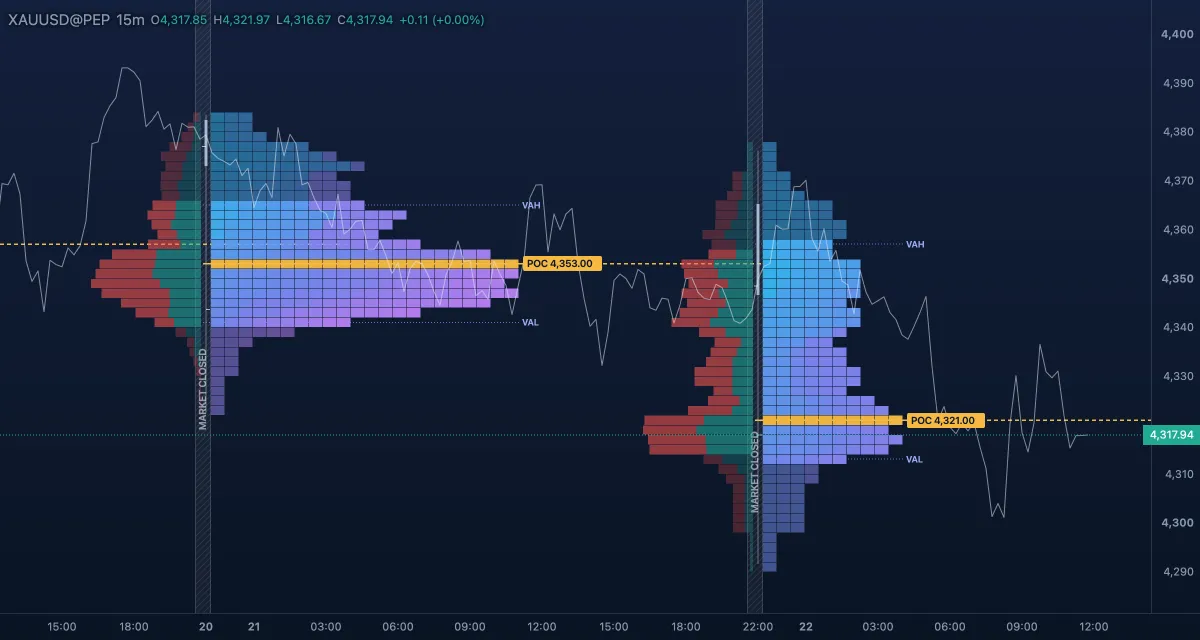
Time at price. The session is cut into periods (30 minutes by default) and every price row gets a letter for each period that traded there: A, B, C … The widest row is the point of control (POC); the rows holding 70 % of the session's time are the value area, with its high and low drawn as lines. A volume histogram sits beside the letters and a thin price line runs through the closes.
Session volume profile#
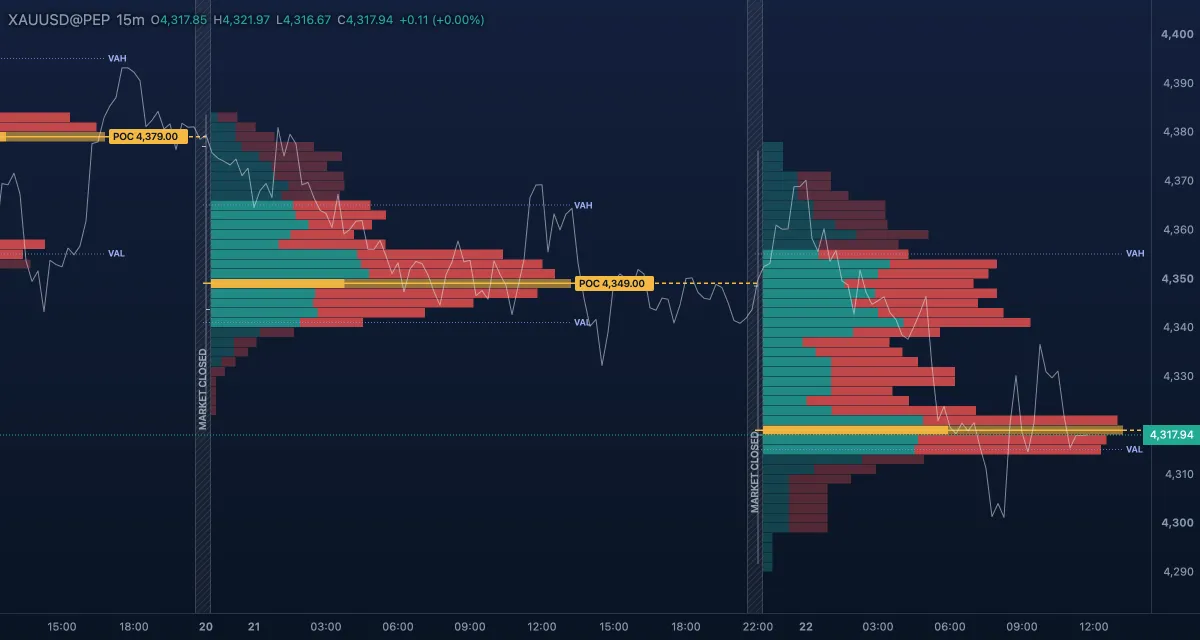
Volume at price per session: a histogram of how much traded at each row, its busiest row the POC, with the same value area and lines as the TPO profile.
Settings (Chart settings › Candles › Profile): Rows (¼×, ½×, Auto, 2×, 4× of the automatic size), Value area (60, 70, 80 %), POC line (Until touched — the line runs right until price trades there again; Profile only; Off), Day starts (Trading day — the symbol's own day; or Midnight in the chart's time zone), and the switches Price line and Value-area lines. The TPO profile adds TPO period (15m, 30m, 1h; a daily chart uses weekly profiles with 4-hour periods), Letters and Volume beside TPO.
Price-only#
Renko and Range bars drop the clock: a new brick or bar appears only when price has moved a set amount, so quiet hours shrink and busy hours stretch. The time axis labels each brick with its own time. Indicators compute on the bricks; price alerts and the last-price line still follow the real price; the VIP V6 study pauses on these two types.
Renko#
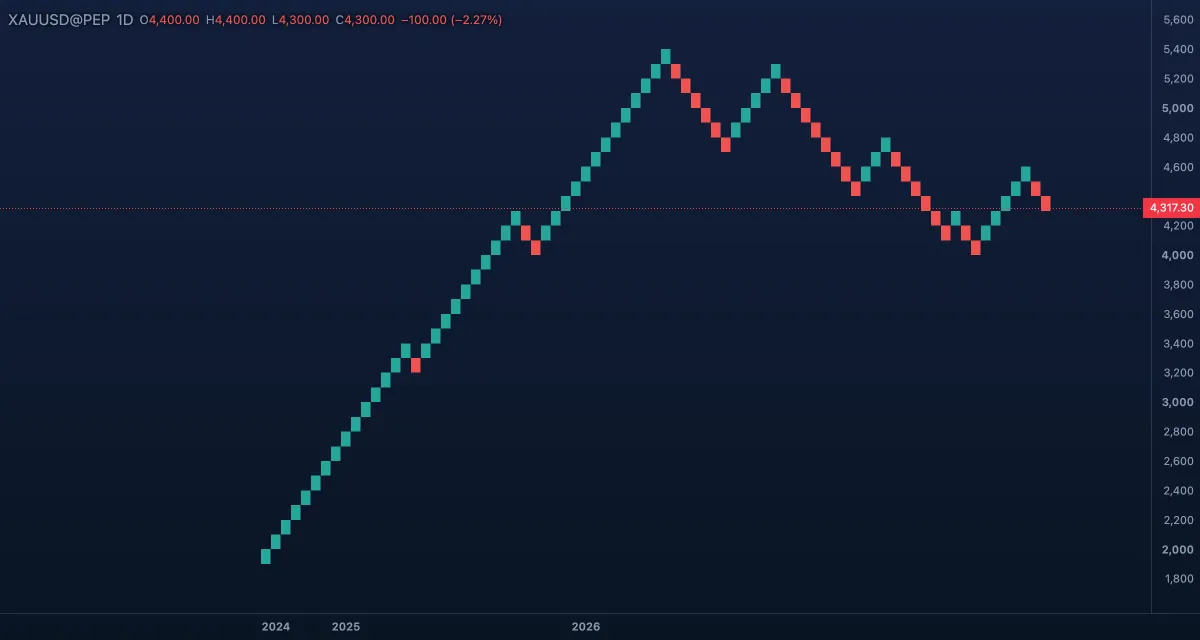
Bricks of one price size, the box. Price must move a full box beyond the last brick for the next brick in the same direction, and two boxes the other way for a reversal, so a column of one colour is a clean trend. The brick being built is a dashed outline. Box: ATR (sized from the average true range of 7, 14 or 21 bars, rounded to a round size) or Fixed (a size in price). Source: Close (bricks from the closes) or High / Low (from the highs and the lows). The note beside the setting prints the box and the number of bricks.
Range bars#
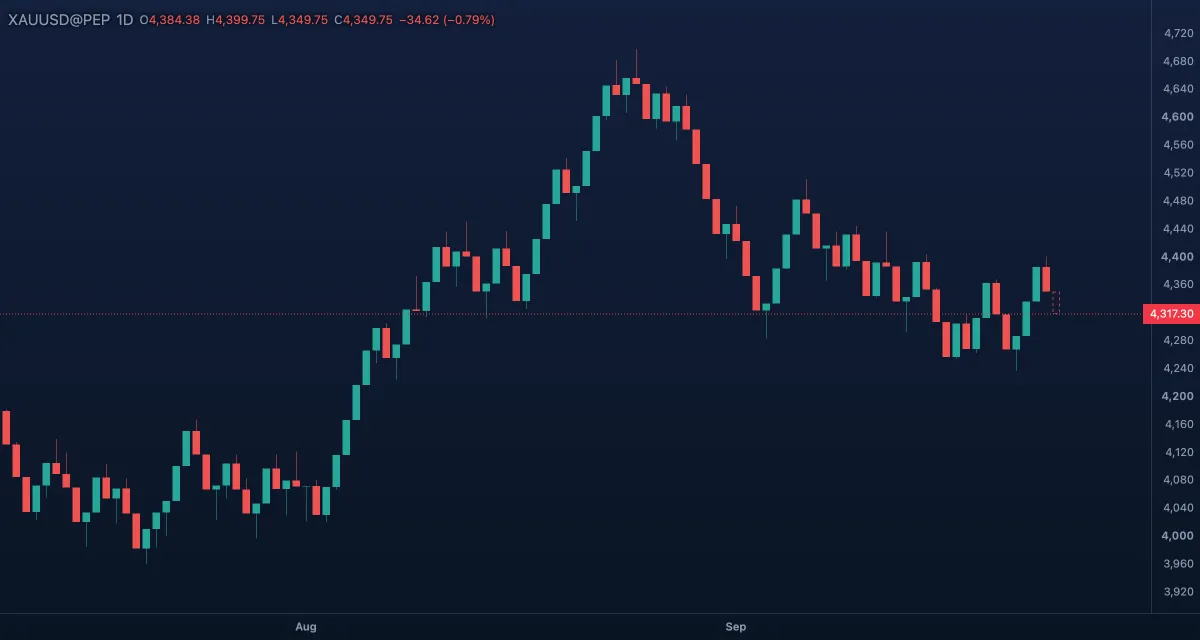
Every bar spans exactly the same price range: a bar closes the moment price would go past its range, and the next one opens a tick beyond. Drawn as candles. Size: ATR (half an average true range, rounded) or Fixed. Without tick data the path inside a time bar is assumed, so a finer timeframe gives closer range bars.
Order flow#
These three show where inside each candle the volume traded. The broker feed carries no trade-side data, so real footprints come from the up and down tick counts recorded since 25 September 2026; older bars are estimated from 1-minute bars (a 1m chart uses its own bars). A badge on the chart says which you are looking at: Recorded ticks, Recorded + estimated or Estimated from 1-minute bars. A bar with no volume draws as a plain candle.
Volume footprint#
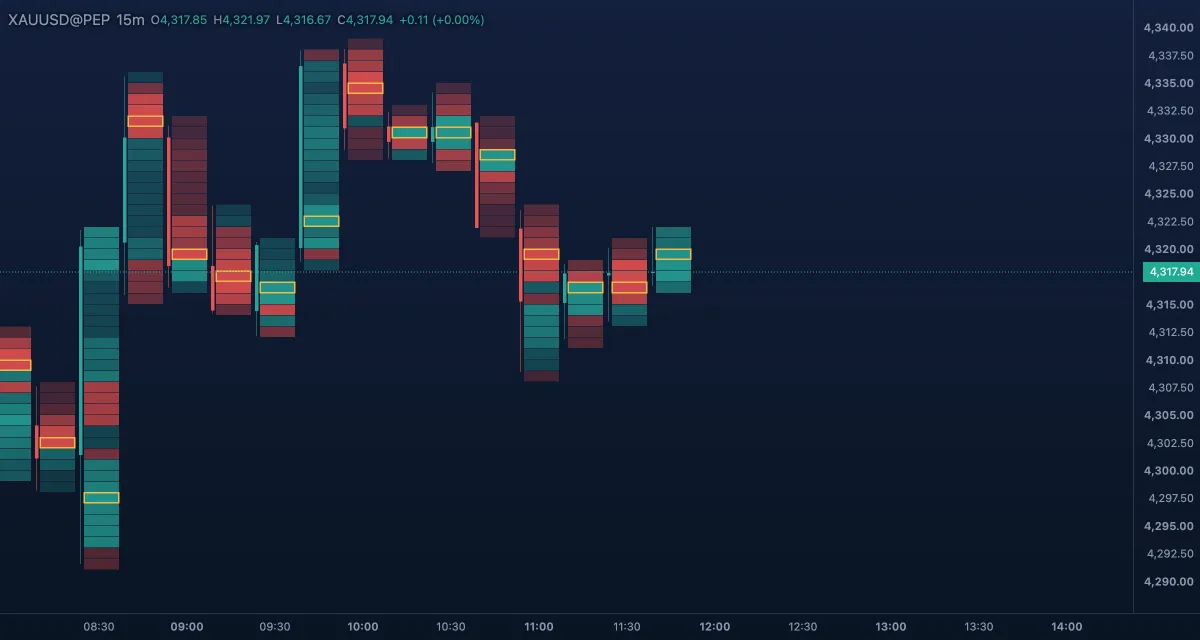
Each candle becomes a column of price rows, every row printing its selling and buying volume (Bid × Ask), the difference (Delta) or the total (Volume). The row with the most volume is the bar's POC. Imbalances ring a cell whose side beats the diagonal cell by 150, 300 or 500 % (or Off). Delta / volume strip adds each bar's delta and volume under the bars. Rows are ½×, Auto, 2× or 4× of the automatic size.
Candle heatmap#
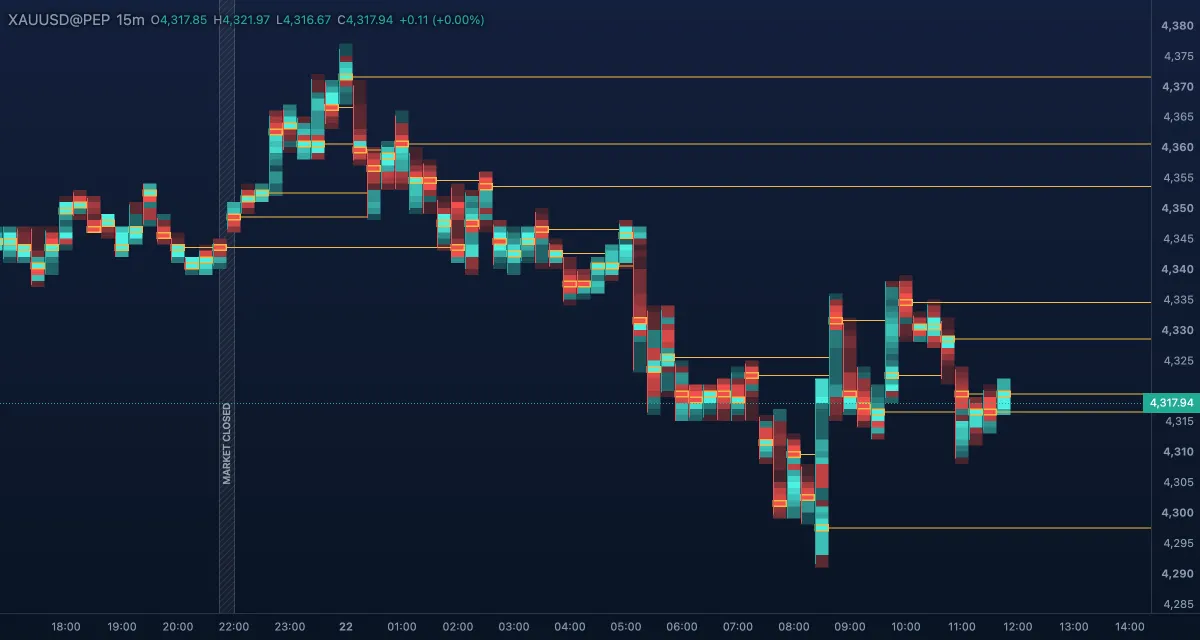
Each candle as a column of cells coloured by the volume at each price. Colours: Buy / Sell (green where buyers led the row, red where sellers did; brighter with more volume), Thermal (volume only: blue → cyan → yellow) or Single colour (orange, gold, cyan, violet or white). POC lines draws a thin line at each candle's busiest price; Labels prints the volume in cells big enough to hold it.
Delta candles#
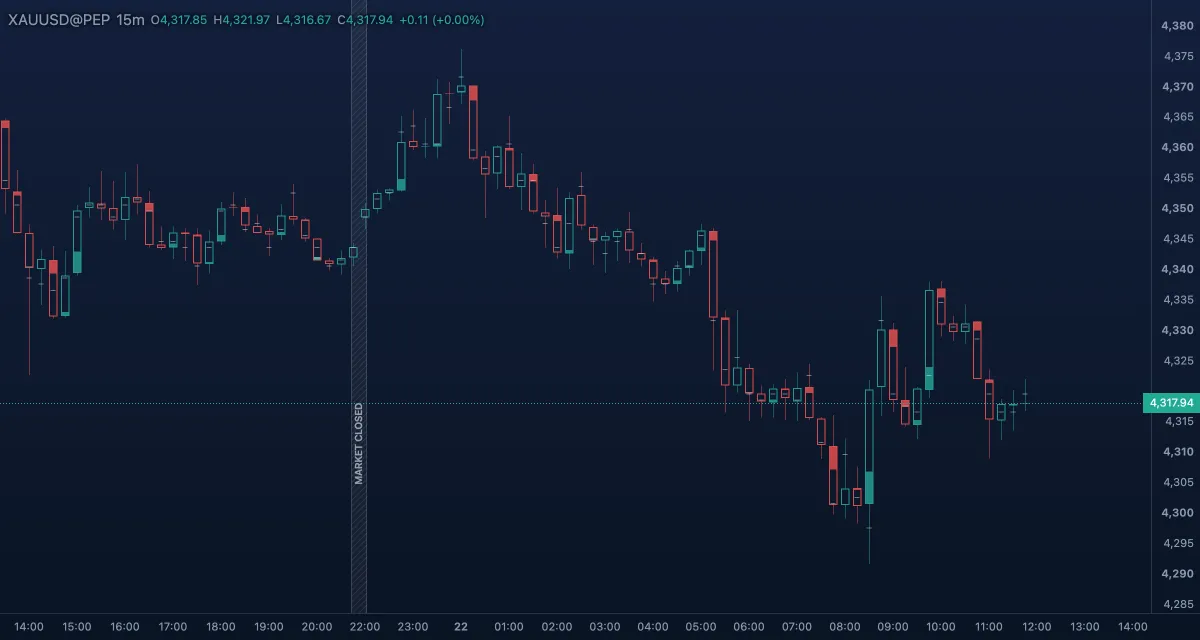
A hollow candle filled by its delta: the fill takes the share of the body equal to (buy − sell) ÷ total volume, in the up colour when buyers led and the down colour when sellers did. When the delta disagrees with the candle's direction — an up candle sold into — the fill shows in the opposite colour, brighter, so divergences stand out. Fill from: Base (from the body's end on the delta's side) or Centre. Max-volume mark puts a short mark across the body at the bar's busiest price. A layout saved with the older Volumetric candles type opens as delta candles; that tile is no longer in the picker.
Examples#
- Trend on the daily: switch gold to Heikin Ashi to see how long the colour runs last, then back to Candles to read the real highs and lows.
- Intraday on 5m: Volume footprint with Bid × Ask and imbalances at 300 %; check that the badge reads Recorded ticks before you trust a cell.
- Noise filter: Renko on a 5m chart with the ATR box. On gold the box comes out at a few dollars, and a reversal needs twice that.
Limits and plans#
All 21 types are free for everyone, profiles and order flow included. Bar replay works on every type. The order-flow types need volume: bars older than about September 2026 come from an archive without volume and draw as plain candles, and recorded footprints exist from 25 September 2026. Profiles and footprints load their finer bars in the background, so give them a moment after a switch. Renko and Range bars pause the VIP V6 study. See Plans.