Text & notes
Text, notes, callouts, price labels and price notes: how to write on the chart, pin a comment to a price and edit it later.
These five tools write on the chart: a plain line of text, a note that folds to a pin, a speech bubble, a tag that prints a candle's price, and a price with your comment attached. They live on the Text & notes tile of the rail at the left: hover it for the list (the tile draws the last one you used); on a phone tap Draw, then Text & notes, and read "tap" wherever this page says "click". The star next to a tool puts it on the favourites bar over the chart. The words are typed on the chart itself: the moment you place a text, note, callout or price note, a small text box opens on it — type, press Enter to keep the text (Shift+Enter starts a new line), Esc to drop it; a click elsewhere keeps it too. Double-click the drawing later to edit the words again. Its colours and sizes are in the Inspector, the drawing's settings card: select the drawing and press Settings on the small toolbar over it, press Enter, or right-click it and choose Settings…. Every drawing of any kind also ends with a Note field in its Inspector, shown when you point at the drawing — that is different from the Note tool below. How selecting, moving, locking and undo work is on Drawing on the chart.
Text#
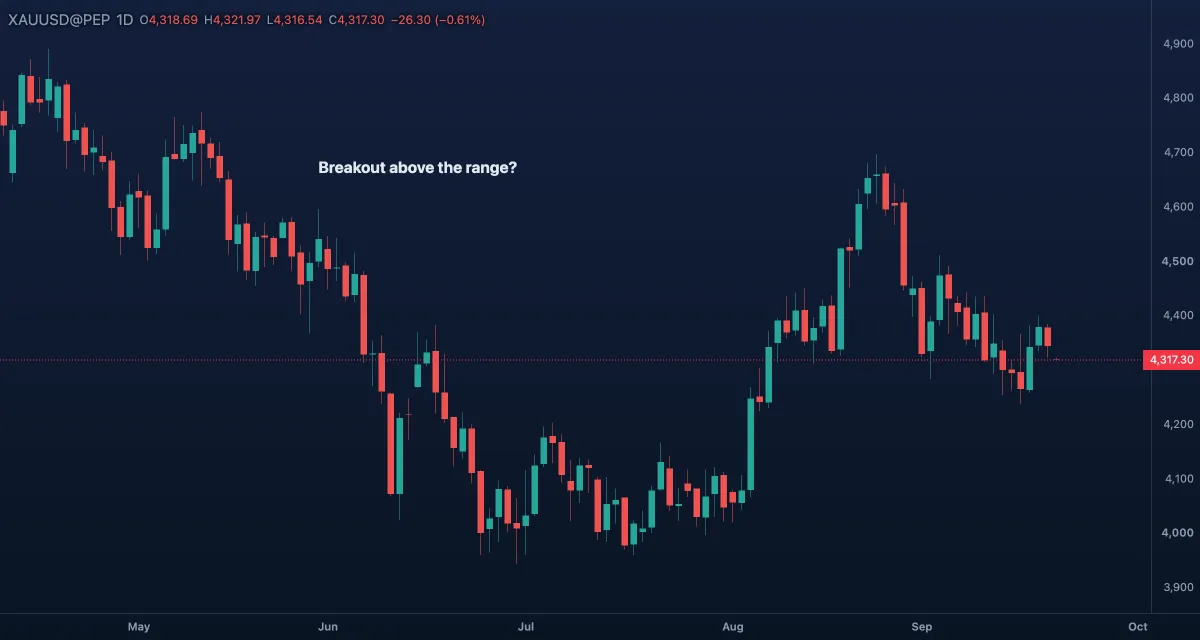
What it draws. Words at a point: the first line starts where you click, more lines go down. Optional bold and a background box. An empty text shows the word "Text" so it never vanishes from the chart.
What it is for. Labelling: the name of a level, the reason for a trade, a reminder on a zone. Short is better — a chart with three clear labels reads better than one with ten sentences. The usual mistake is writing over the candles; put the label in the empty space beside them, or switch its background on.
How to draw it. Click where the text goes, then type in the box that opens. Enter keeps it, Shift+Enter starts a new line, Esc cancels. Drag the handle to move it; double-click to edit the words; open the Inspector for the look. In the Pro screen N arms it.
Settings. Text (the words, also editable here), Colour (light grey), Font size 14 (8 to 40), Bold off, Background off with its Background colour (dark blue).
Example. Put a text "weekly open" beside the first candle of the week on gold and switch Background on so it stays readable where candles cross it.
Note#
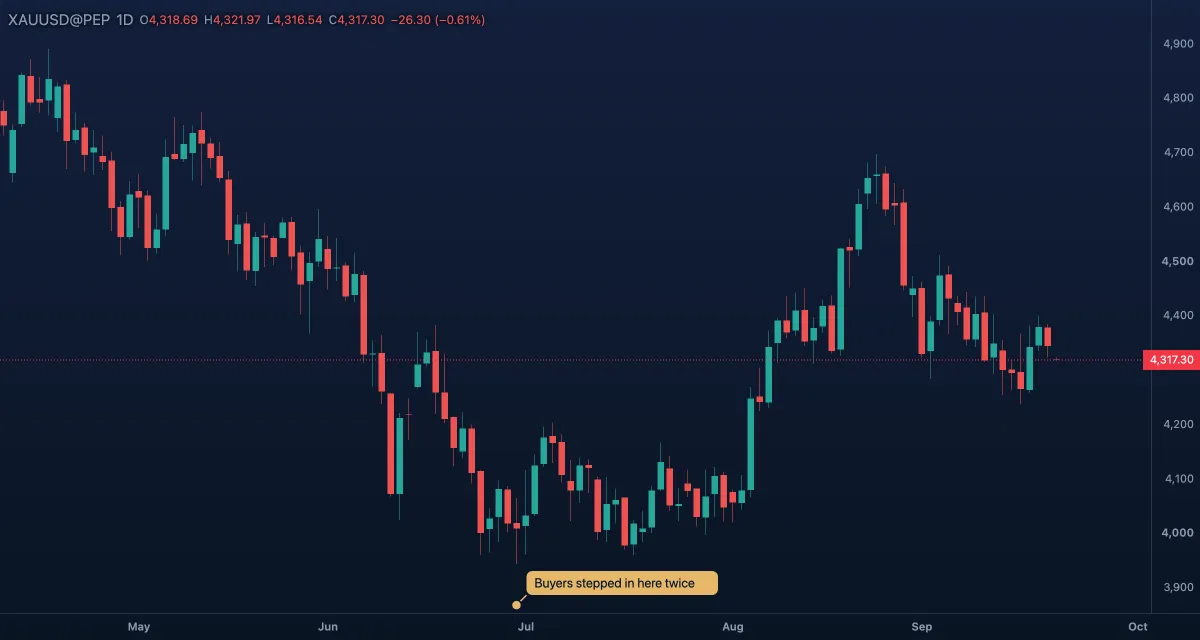
What it draws. A pin at the point and a rounded note box up and to the right of it, joined by a short line. Near the right or top edge the box turns to the other side so it stays on the chart. With Show the note off, it folds down to the pin.
What it is for. A comment you want to keep but not always see: why you drew a level, what you were waiting for, what went wrong. Fold it to a pin when the chart gets busy and open it when you review.
How to draw it. Click where the note goes and type; Enter keeps it. A right-click on the chart › Note here does the same at the price and time under the pointer. Drag the pin to move it; double-click to edit the words; the Inspector holds the colours and the Show the note switch.
Settings. Text, Note colour (gold — the box and the pin), Text colour (dark), Font size 13, Show the note on.
Example. After a losing trade on gold, pin a note at the entry: "bought the first touch — wait for the second". Fold it; it is there when you want the lesson again.
Callout#
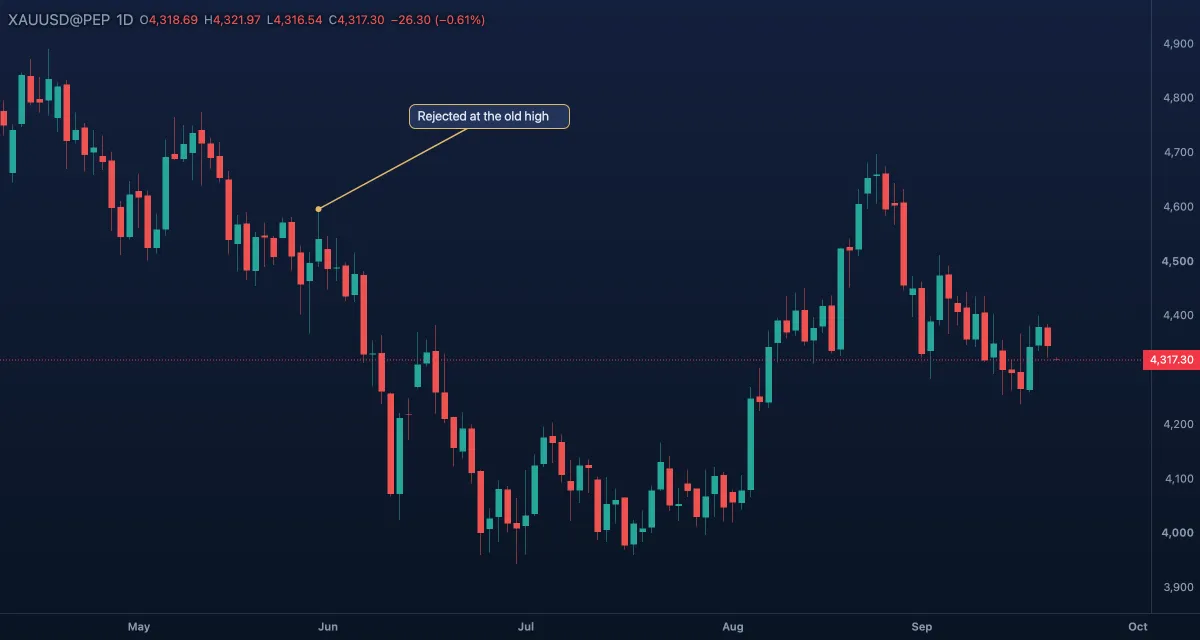
What it draws. A speech bubble: a box with a border, and a line from the side facing the target to a dot at the point it talks about. When the target is under the box there is no line.
What it is for. Explaining one thing on a chart you will share — in an idea, a snapshot, a lesson. The bubble can sit in empty space while the dot marks the exact candle, so nothing is hidden.
How to draw it. Click what it points at, then where the bubble sits (that click becomes the bubble's centre); type, then Enter. Two handles: the dot and the bubble; drag either. Double-click to edit the words; the Inspector has the colours.
Settings. Text, Text colour, Font size 13, Background colour (dark blue), Border colour (gold — also the line and the dot).
Example. Point a callout at the gold candle that closed back inside a range: "failed breakout — the move is the other way". Readers see the candle and the reason in one glance.
Price label#
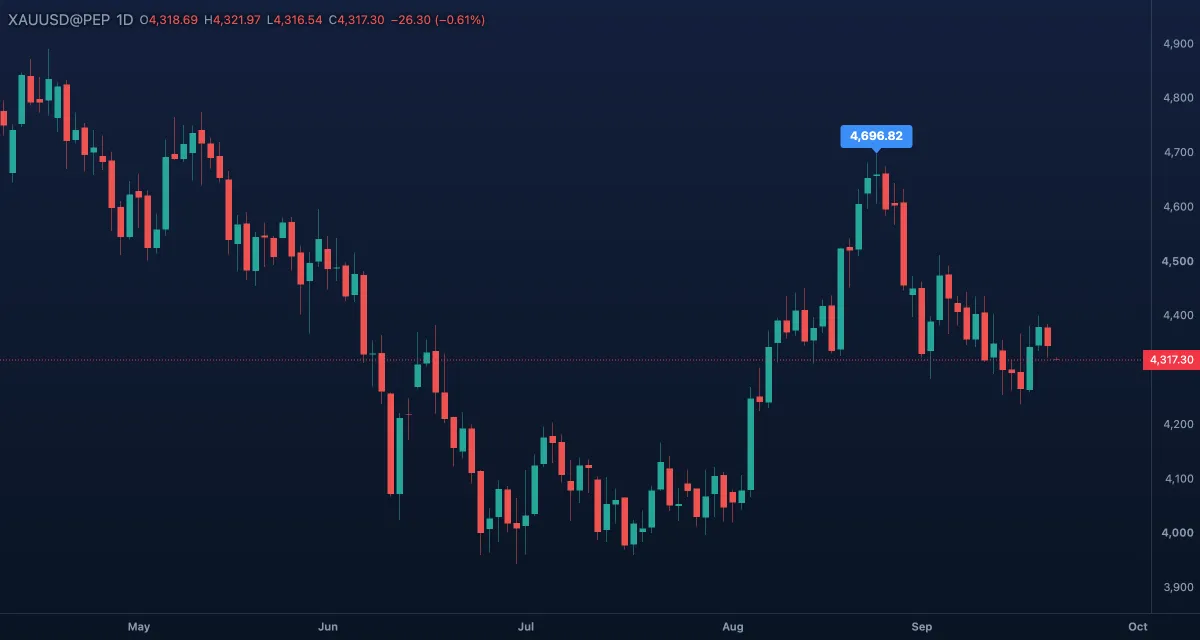
What it draws. A tag with the exact price of the point you click and a small pointer down to it (the tag sits below the point when there is no room above). The price is printed the way the chart's price scale prints it. There are no words of your own in it.
What it is for. Marking a precise price — the swing high, the low of the wick, the open — without reading it off the scale. With the magnet on Strong the click lands exactly on the candle's open, high, low or close, so the number is the candle's, not your pointer's.
How to draw it. Click a candle; the label shows its price at once, there is nothing to type. Drag its handle to another price and the number follows. A double-click only selects it; its colours are in the Inspector (Settings on the toolbar over the selected label, or Enter).
Settings. Background colour (blue), Text colour (white), Font size 12.
Example. Tag the high of the last swing on gold. The label is the number you type into your alert, and it stays on the chart as the record of where the alert sits.
Price note#
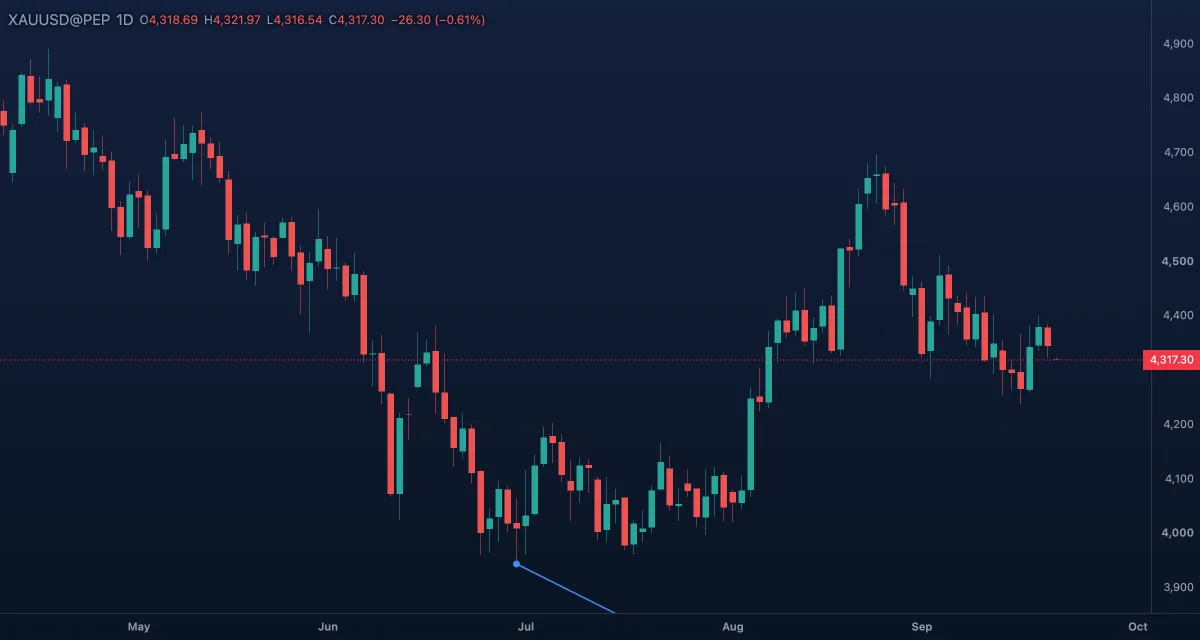
What it draws. A box that starts with the price of your first click in bold and goes on with your comment, joined by a line to a dot at that price. Without a comment the box shows only the price.
What it is for. A price plus a reason: "last week's high", "stop here", "where the gap closed". Where a price label only prints the number, a price note keeps the number and the words together, and the box can sit wherever it reads best.
How to draw it. Click the price, then where the note sits; type the comment, then Enter (Shift+Enter for a second line). Drag the dot to change the price, the box to move it. Double-click to edit the words; the Inspector has the colours.
Settings. Text (your comment), Line colour (blue — the line, the dot and the box border), Background colour, Text colour, Font size 13.
Example. On gold, click the low of the day's long wick and write "liquidity taken" — the number and the thought stay together when you scroll back next month.