Your account pages
The account area at millionchart.com/account — profile and username, billing, notifications and Telegram, security, ideas, rank, referrals, sharing for Pro, support — and the chart's account menu.
Your account pages hold everything about you that is not the chart itself: your public name and picture, your plan, where your alerts are delivered, your password, and the ways to earn free Pro. They live at millionchart.com/account, in the chart's own colours, and the account menu on the chart leads to each of them.
Where it is#
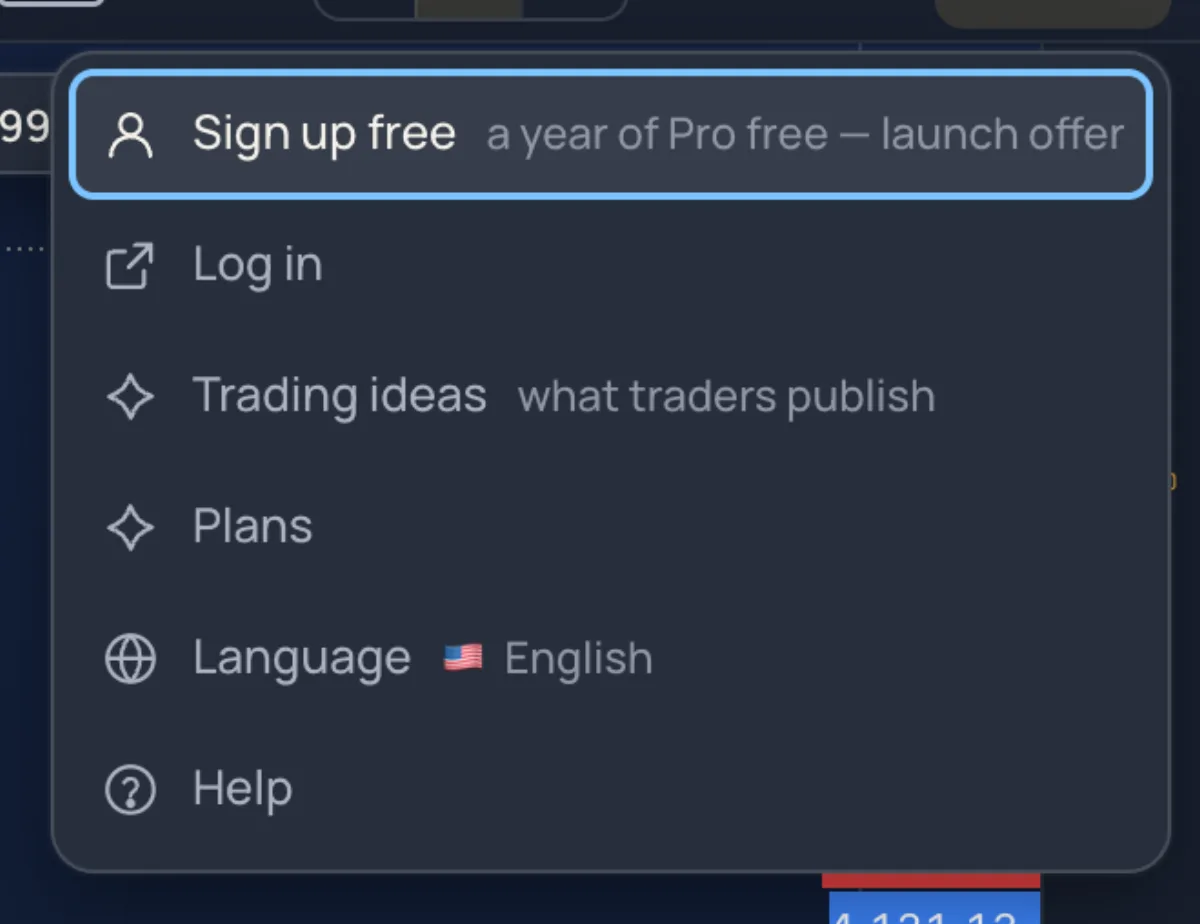
When you are signed in, the button at the top right of the chart shows your picture or initials. It opens the account menu: Profile and settings, Account and billing (its hint is your plan), Notifications, Refer a friend, Share and get Pro free, Trading ideas, My ideas, Trading journal, My rank, Language, Help and support and Sign out. The head of the menu carries a badge with your plan: FREE, PRO or PRO MONTH.
Every account page has the same frame: Open the chart at the top, your avatar menu, and the Settings list on the left with the nine pages below. millionchart.com/account opens on the public profile.
Public profile#
- Profile picture — Upload a picture (JPG, PNG or WebP, up to 8 MB; square works best). It shows on your snapshots and next to your name.
- Username — your public name: 3 to 20 letters, numbers or underscores, checked as you type, changeable twice. Your Member ID (the MA number) never changes and is never shown as your name.
- Your page on MillionChart — a cover picture (3 : 1), a bio of up to 300 characters, your website, Telegram, YouTube and X. Show my page makes millionchart.com/u/yourname public, with your ideas on it.
- Personal details — name, country and phone, private, for invoices and verification; verified names and countries are locked. The Public profile switch lets other members see your name on your snapshots.
Account and billing#
Your plan and how you hold it, subscriptions with their Auto-renew switch, your wallet balance and your last orders; see Plans.
Notifications#
The Inbox tab lists what happened on your account, with Unread only and Mark all as read. The Settings tab holds the chart's own notification panel and the account news:
- Push on this device switches browser notifications on (on an iPhone, install the app first — see On a phone).
- Telegram — click Connect, scan the code or click Open Telegram, and press Start in the chat. The row then reads Connected, with Send a test, Mute… (1 hour to 1 week) and Disconnect.
- Two grids say where each kind of news goes — Phone, Telegram or E-mail: the chart kinds, and Referrals, Referral earnings, Plan expiry, Auto-renew, Community and the Weekly digest.
Privacy and security#
- Change password — the current password and the new one twice (at least 8 characters). An account made with Google has Set a password instead.
- Two-factor sign-in — click Turn on two-factor, scan the code with an authenticator app, save the recovery codes (each signs you in once if you lose your phone), type the six-digit code and click Turn on. Every new sign-in then asks for a code; Turn off two-factor asks for one as well.
- Signed-in devices — each with its address and last activity; Sign out one you do not recognise, or Sign out all other devices.
Passkeys (fingerprint or Face ID) are enrolled on the MillionAlgo portal, portal.millionalgo.com/settings › Security; the sign-in page then offers Sign in with fingerprint or Face ID on that device. A passkey replaces the password, not the two-factor code.
My ideas#
Every analysis you published, with its direction, its state (Active, Target reached, Stop hit, Closed, Expired), likes and comments. Publish an idea opens the chart ready to publish; My public page opens your profile. A Gifts card lists what readers sent you; gifts land in your MillionAlgo wallet. See Snapshots and ideas.
My rank#
You earn points for what you do on the chart, each source with a cap so that a rounded trader outranks a one-trick one. A day with the chart open earns 10 (up to 2,000), each day of a streak 20, a closed paper trade 5, a trade reviewed in the journal 15, an alert 5, a saved layout 10, a shared picture 15, a published idea 30, an approved post about MillionChart 100 and a friend who joined 150; connecting Telegram, a founding seat and Pro running count once. The levels are Rookie 0, Observer 200, Chartist 600, Trader 1,500, Analyst 3,000, Strategist 5,000, Master 8,000 and Legend 12,000 points.
The page shows your points, level and streak, Where your points come from, Earn more (sources with room left) and the Leaderboard of the top 20, recounted every hour.
Refer a friend#
Your link is millionchart.com/join?ref=CODE; copy it or share it to Telegram, WhatsApp, X or by e-mail. Every friend who joins with it and opens the chart adds 3 Pro days to your plan, and you earn a share of everything your friends buy, in dollars, to your MillionAlgo wallet — 10% from your first buyer, rising with the number of buyers to 40%. The page counts link visits, friends joined and charting, Pro days and money earned; Invite by e-mail sends your link to up to 5 addresses at a time.
Share and get Pro free#
Post about MillionChart anywhere public, paste the post's address, and an admin checks it by hand, usually within a day. An approved Chart analysis (a screenshot taken on the chart, which already carries the logo), Video or short or Article or review earns 30 days of MillionChart Pro, Any other public post 15. Posts other than an analysis must carry your referral link and come from an account or group of at least 100 followers. Up to 3 posts may wait at a time, up to 365 days can be earned in all, and deleting a post ends its free time. Approved posts are listed under Who got it.
Help and support#
Find an answer searches the help articles; New request opens a ticket with a subject, a topic, your message and screenshots. Replies arrive here and by e-mail.
The MillionAlgo portal#
Payments, the wallet, withdrawals and the network pages stay on portal.millionalgo.com. Buttons such as Open the wallet, Withdraw earnings and Renew open the portal in a new tab, already signed in.